GPT Image 2.6 SVG Generator
Turn text prompts and raster images into real <svg> code with semantic <g id> layers, zero embedded bitmaps, live palette swapping, and one-click Figma & React JSX copy.
Create your SVG vector
1Vector prompt
Keep prompts concise: name the subject, geometry style, and 2–4 flat colors. 1 generation = 1 credit.
2Vector style preset
3Output quality & aspect



Real unretouched SVG outputs generated with openai/gpt-image-2.6-flare during our P0 benchmark. Zero embedded raster bitmaps.
Specialized Vector Workflows
Dedicated GPT Image 2.6 SVG tools for every asset type

AI SVG Logo Generator
Generate scalable brand marks and custom wordmarks with our AI SVG logo generator. Get flat, gradient-free <svg> paths ready for Figma and print.
AI SVG Icon Generator
Create pixel-crisp monoline and duotone UI icons with our AI SVG icon generator. Copy clean SVG or React JSX code directly into your component library.
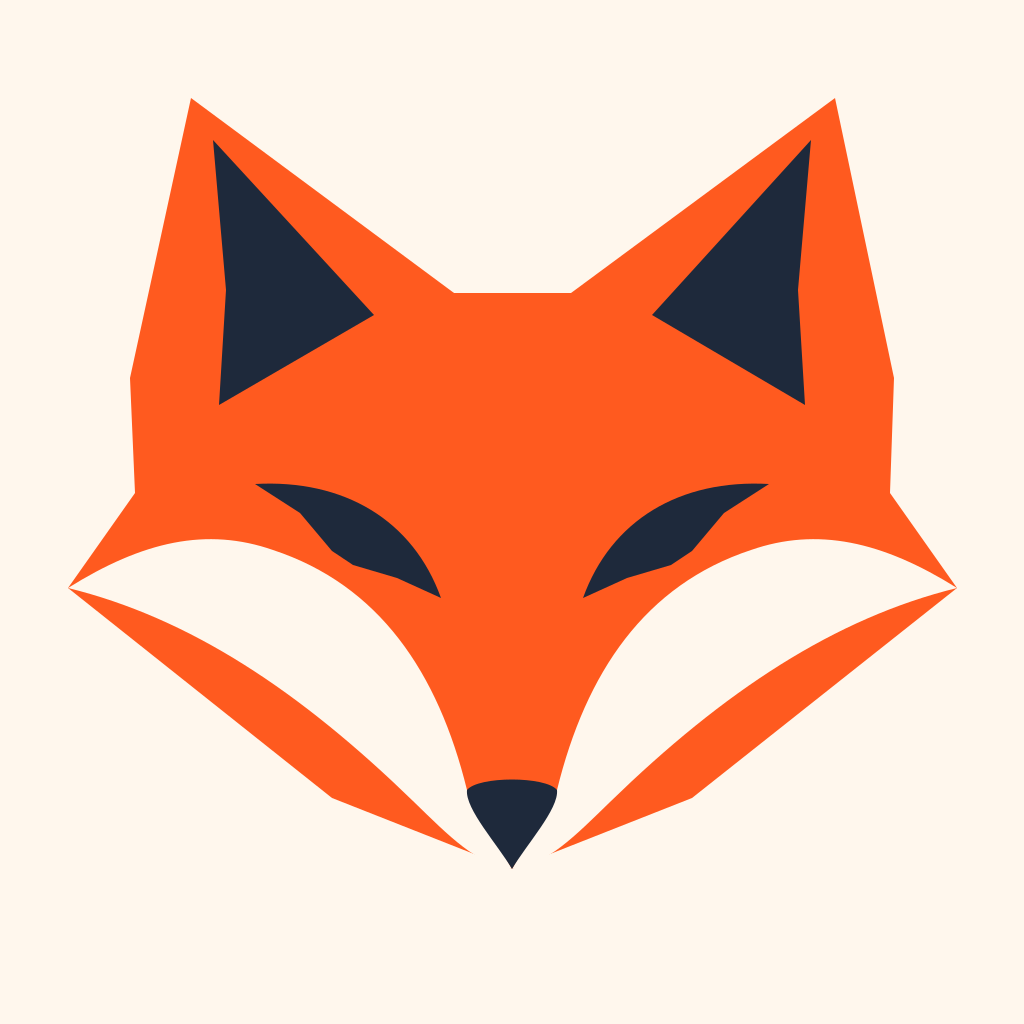
Free Image to SVG Converter & AI Vector Redraw
Convert PNG, JPG, and WebP files into clean vectors with our free browser image to SVG converter, or use AI Vector Redraw to simplify noisy photos.
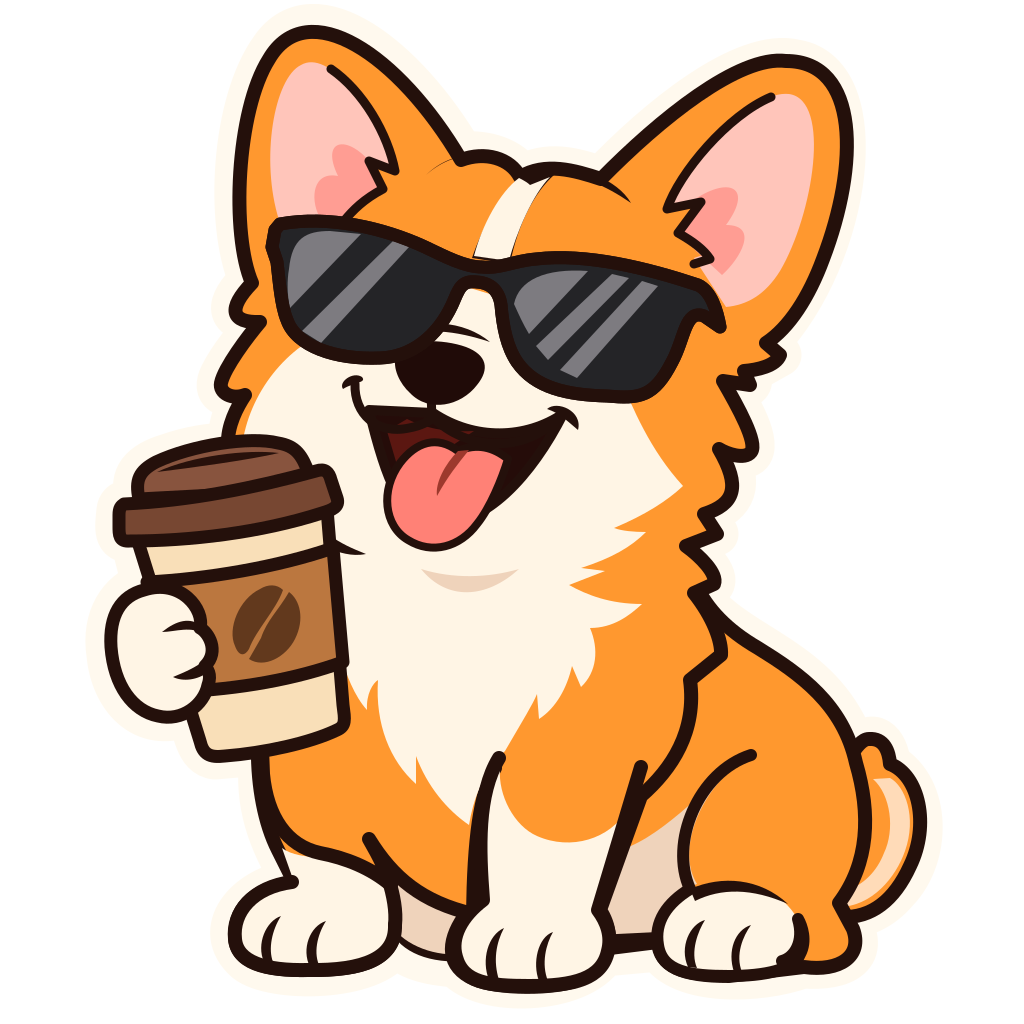
AI Transparent SVG Sticker Maker
Design expressive die-cut mascot stickers and badges with our AI transparent SVG sticker maker. Export infinite-scale SVGs or 4096px print-ready PNGs.
Why Designers Switch to Native SVG
Raster AI generators break the moment you open Figma
Pixelated PNGs disguised as logos
Standard image models output 1024px JPEGs with baked-in backgrounds, gradients, and compression noise that blur as soon as you scale them.
Auto-trace node bloat
Running raw AI images through naive tracers creates 2,000+ jagged anchor points and tiny color splinters that nobody wants to clean by hand.
Fake base64 <image> wrappers
Many tools claim SVG export while secretly wrapping a PNG inside an <svg><image href="data:image/png..."/></svg> tag with zero editable vector paths.
Workflow Comparison
Raster + manual pen-tool tracing vs. GPTSVG Studio
| Raster AI + Manual Trace | GPTSVG Studio (GPT Image 2.6 SVG) |
|---|---|
| Exports flat PNG/WebP pixels that blur on retina & print | Outputs mathematical <path>, <polygon>, and <circle> XML |
| 1,500+ messy anchor nodes from raw auto-tracing | 4 to 45 clean, semantic shapes grouped by <g id> |
| Manual background removal leaves grey edge halos | True transparent vector canvas out of the box |
| Recoloring requires Photoshop masks or redrawing | One-click hex palette swap + Copy for Figma & React JSX |
3-Step Vector Workflow
How to generate a GPT Image 2.6 SVG vector in 3 steps
- 1
Enter a text prompt or drop an image
Use text to SVG for brand-new AI SVG logo generator marks, SVG icon generator sets, or stickers—or upload a PNG/JPG for local tracing and AI redraw.
- 2
Pick one of 8 flat-vector presets
Choose Minimal Geometric, Lettermark, Monoline UI Icon, Mascot Sticker, Badge, Playful, Tech Isometric, or Luxury Monogram (1 credit per AI run).
- 3
Recolor, copy for Figma/JSX, or download
Inspect semantic layers, test light/dark backgrounds, swap hex colors, and download your sanitized .svg or 4K PNG. Cloud assets are kept for 30 days after generation.
Raster to Clean Geometry
From noisy pixels to crisp GPT Image 2.6 SVG paths
Use our image to SVG converter to trace flat graphics locally for free, or run an AI vector redraw to turn raster images into clean, infinitely scalable <svg> shapes.
Open Free Image to SVG ConverterMinimal Geometric · Clean closed bezier paths with max 4 solid colors.
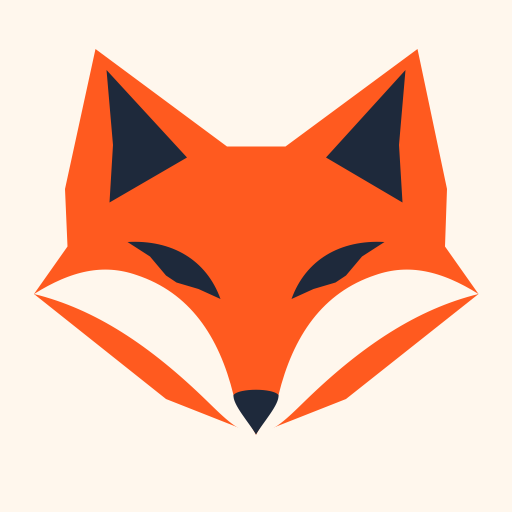
Clean native SVG (9 paths · 1.1 KB)
Lettermark & Wordmark · Razor-sharp custom typography with per-glyph paths.
Clean native SVG (9 paths · 1.1 KB)
Under the Hood
What makes GPT Image 2.6 SVG different from older AI SVG tools?
Unlike earlier diffusion pipelines that only painted raster pixels and relied on post-hoc bitmap tracing, GPT Image 2.6 SVG (openai/gpt-image-2.6-flare) natively authors structured XML vector markup from a text prompt. In our benchmark, a minimal geometric fox logo compiled into just 9 closed shapes (1,150 bytes) organized into semantic <g id="fox">, <g id="ears">, and <g id="eyes"> layers.
GPTSVG Studio wraps that native AI SVG generator capability inside a secure designer and developer workbench: every output passes a strict XML allowlist sanitizer, strips unsafe scripts or external references, and opens directly for live color swapping, React JSX copy, Figma paste, or high-resolution PNG export.
Read the full GPT Image 2.6 SVG benchmark & guideStudio Capabilities
Everything you need to ship production vectors
Native GPT-Image-2.6 XML output
Direct text to SVG generation produces real editable vector paths with clean viewBox coordinates and zero embedded raster images.
8 curated vector style presets
Purpose-tuned prompt engineering for logos, wordmarks, 24x24 monoline UI icons, die-cut stickers, shields, and isometric SaaS marks.
Free browser Image to SVG tool
Convert existing PNG, JPG, and WebP logos into SVG right inside your browser with k-means++ palette quantization—0 credits and no login required.
Strict server-side SVG security
Every generated SVG is sanitized through an XML allowlist (no <script>, <foreignObject>, event handlers, or external URLs) and served sandboxed.
Figma, React JSX & 4K PNG ready
Copy raw SVG for Figma, copy camelCased JSX for React/Next.js, or export 1024–4096px transparent PNGs. Private uploads are deleted automatically 7 days after upload.
Never-expiring packs & auto-refund
Start with 3 free credits on verified sign-up. One-time credit packs never expire, and any failed generation refunds its credit automatically.
Built for Makers, Designers & Frontend Teams
Three high-leverage workflows inside GPTSVG Studio
SaaS & indie startup brand marks
Explore 10 distinct geometric logo and wordmark directions for under $1.50, then drop the winning .svg straight into Figma to fine-tune typography.
Try a vector style presetCohesive UI icon & badge systems
Use Monoline UI Icon and Emblem Badge presets to create crisp sub-1KB feature icons and status shields that inline cleanly into React components.
Try a vector style presetPrint-ready die-cut mascot stickers
Generate expressive layered mascot stickers on a true transparent canvas, ready for vinyl cut-plotters, merch drops, and community emoji packs.
Try a vector style presetTransparent Pricing
Pay once, credits never expire
1 credit = 1 native AI SVG generation or AI vector redraw. One-time credit packs, zero monthly lock-in.
Starter
30 native SVG generations or AI vector redraws
$5.99
30 credits
30 native SVG vectors (1 credit each)
- Pack credits never expire
- Native <svg> XML + 1K–4K PNG export
- All 8 logo, icon & sticker presets
- Automatic credit refund on failed jobs
Creator
100 native SVG generations or AI vector redraws
$14.99
100 credits
100 native SVG vectors (1 credit each)
- Pack credits never expire
- Native <svg> XML + 1K–4K PNG export
- All 8 logo, icon & sticker presets
- Automatic credit refund on failed jobs
Studio
300 native SVG generations or AI vector redraws
$34.99
300 credits
300 native SVG vectors (1 credit each)
- Pack credits never expire
- Native <svg> XML + 1K–4K PNG export
- All 8 logo, icon & sticker presets
- Automatic credit refund on failed jobs
Verified new accounts receive 3 free credits (one-time per email/IP). Unused pack credits stay in your balance indefinitely. Prices in USD.
Frequently asked questions
Native SVG output, free credits, browser vectorization, and commercial use.
Contact supportDoes GPTSVG Studio output real editable SVG paths or just wrapped PNGs?
Text-to-SVG generations use GPT Image 2.6 SVG (openai/gpt-image-2.6-flare) with native output_format="svg", producing real XML <path>, <polygon>, <circle>, and semantic <g id> groups—never a base64 raster bitmap wrapped inside an <svg> tag.
Inspect our GPT Image 2.6 SVG benchmark outputsHow do the 3 free credits work?
Sign in with Google or verify your email address (protected by Cloudflare Turnstile) to receive 3 free credits—enough for 3 full AI SVG generations. Plus, our standard browser Image-to-SVG tracer on /image-to-svg is 100% free and needs 0 credits.
Why does Image-to-SVG have two modes (Free Trace vs. AI Vector Redraw)?
Across all providers, native GPT-Image-2.6 SVG output only accepts text prompts. For existing flat logos or PNGs, our in-browser Web Worker vectorizer converts them instantly for 0 credits. For complex camera photos with shadows or gradients, AI Vector Redraw (1 credit) redraws your image into clean flat artwork first and automatically vectorizes it into <svg>.
When to use Text-to-SVG vs. Image-to-SVGHow long does an AI SVG generation take?
Minimal logos, wordmarks, badges, and monoline UI icons typically finish in 40–60 seconds. Detailed 40+ path die-cut mascot stickers can take 90–150 seconds because the model authors every vector path coordinate. If a job ever fails or times out, your credit is refunded automatically.
Are generated SVG files safe to open in browsers and design tools?
Yes. Every SVG is parsed and cleaned by a strict server-side XML allowlist that strips <script>, <foreignObject>, inline event handlers, CSS @import, and external links, and previews are isolated from our main DOM.
How do credit packs and refunds work?
Each AI generation uses 1 credit. Credits are sold in one-time packs ($5.99 / 30, $14.99 / 100, $34.99 / 300), never expire while the service operates, and refund automatically if a job fails.
Is GPTSVG Studio affiliated with OpenAI?
No. GPTSVG Studio (gptsvg.com) is an independent vector design studio powered by the OpenAI GPT-Image-2.6 model via authorized API infrastructure. We are not affiliated with, sponsored by, or endorsed by OpenAI.
What happens to my uploaded reference images and generated SVGs?
Reference uploads are private, used solely to fulfill your generation, and deleted automatically 7 days after upload. Generated cloud SVGs are kept for 30 days after generation. Deleting your account removes your files immediately.
Ready to ship clean, editable SVG vectors?
Start with 3 free credits on verified sign-up, or trace raster graphics locally for free.
Generate your first SVG · $5.99+