Die-Cut Mascots & Merch
AI Transparent SVG Sticker Maker
Generate vibrant die-cut mascot stickers, laptop decals, and community badges with clean outer contours, transparent backgrounds, and print-ready 4K PNG export.
Create your SVG vector
1Vector prompt
Keep prompts concise: name the subject, geometry style, and 2–4 flat colors. 1 generation = 1 credit.
2Vector style preset
3Output quality & aspect
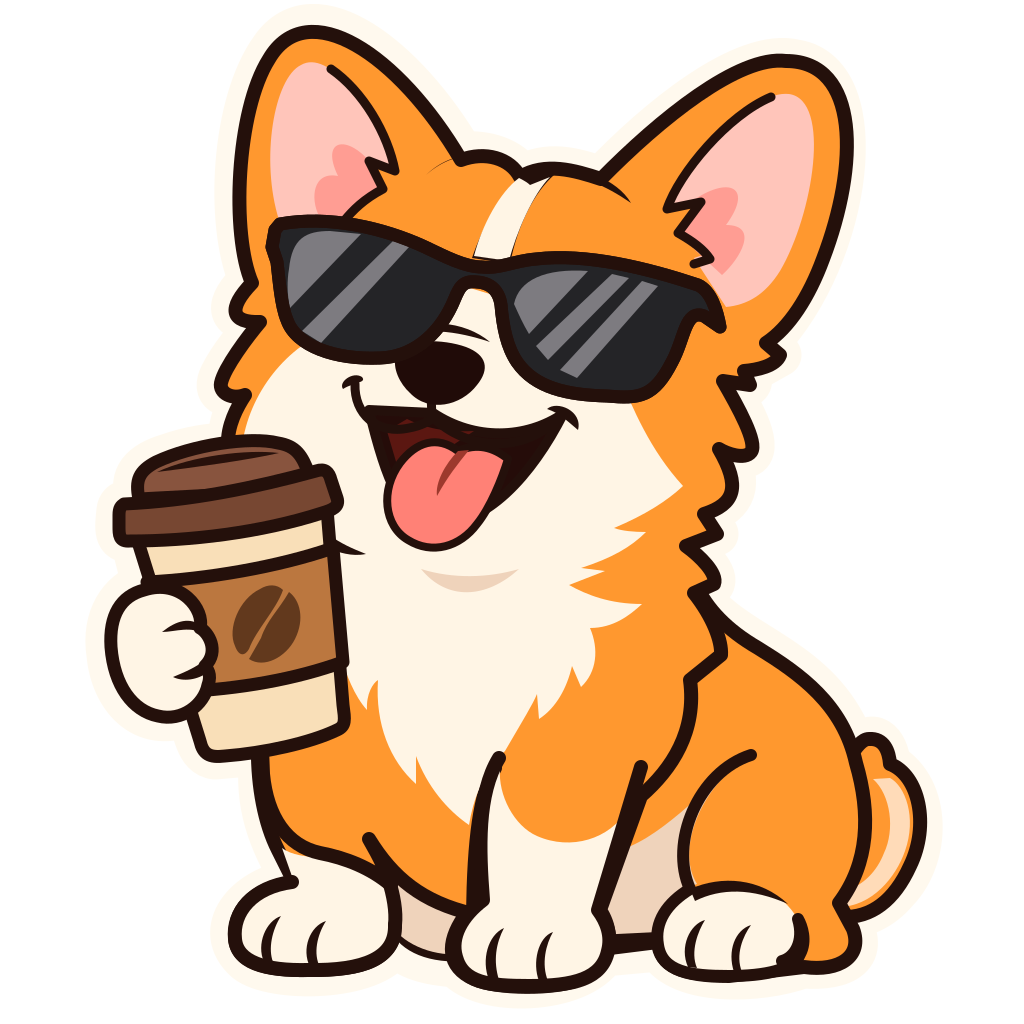

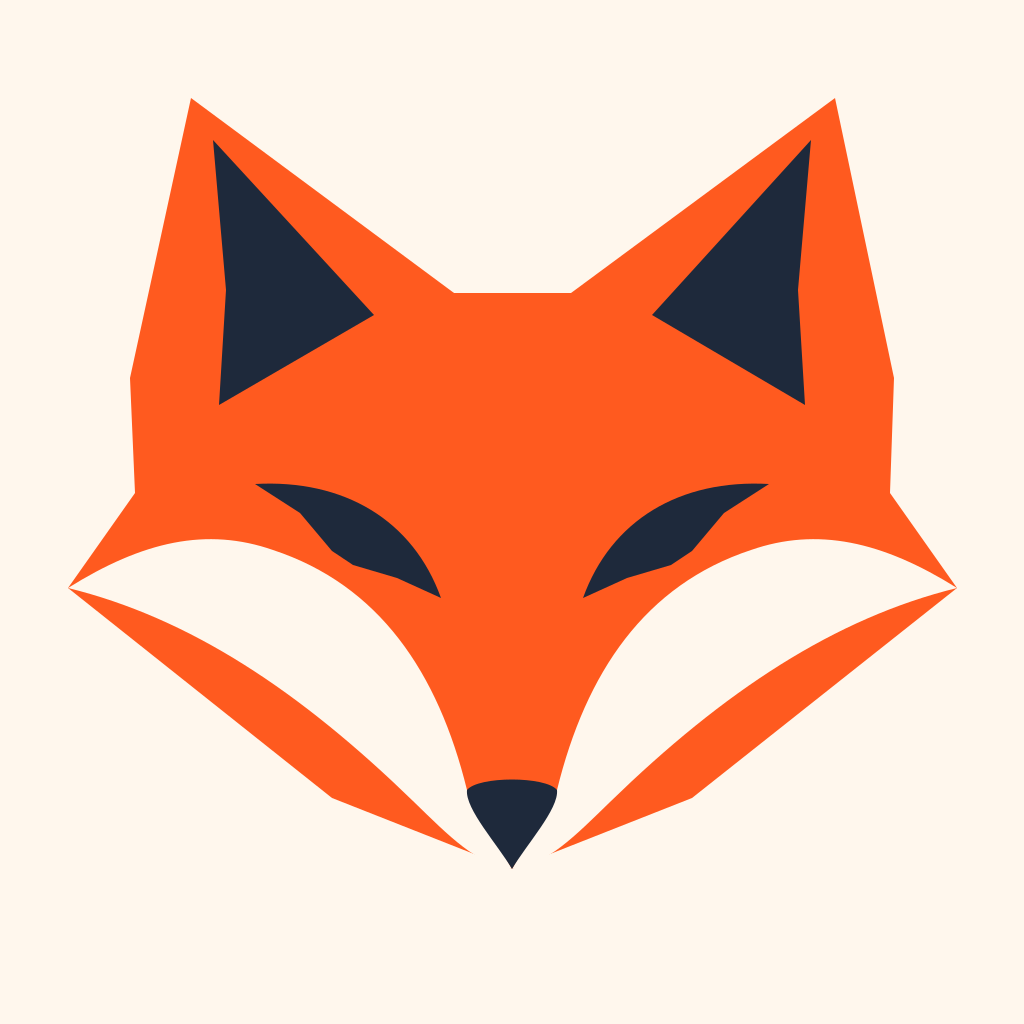
Prompt preset: “Cheerful corgi holding an iced coffee cup, die-cut vector sticker with bold outline”
Real unretouched SVG outputs generated with openai/gpt-image-2.6-flare during our P0 benchmark. Zero embedded raster bitmaps.
Why use AI Transparent SVG Sticker Maker
True transparent vector canvas
No checkerboard fake-transparency pixels or jagged background-removal halos—every sticker is authored directly as closed vector shapes on an empty canvas.
Cut-line friendly outer contours
Sticker and mascot presets build a unified silhouette path that works cleanly with Cricut, Silhouette, Roland cut-plotters, and sticker printers.
Export SVG or 4096px PNG
Download the master .svg for print shops or export crisp 1024px, 2048px, and 4096px transparent PNGs for Discord, Slack, Telegram, and iMessage.
Explore More Vector Tools
Specialized workflows in GPTSVG Studio
SVG Studio
GPT Image 2.6 SVG Generator
Create clean, editable vector paths with our GPT Image 2.6 SVG generator. Turn text prompts or images into real <svg> logos, UI icons and stickers in seconds.
Logo SVG
AI SVG Logo Generator
Generate scalable brand marks and custom wordmarks with our AI SVG logo generator. Get flat, gradient-free <svg> paths ready for Figma and print.
Icon SVG
AI SVG Icon Generator
Create pixel-crisp monoline and duotone UI icons with our AI SVG icon generator. Copy clean SVG or React JSX code directly into your component library.
Image to SVG
Free Image to SVG Converter & AI Vector Redraw
Convert PNG, JPG, and WebP files into clean vectors with our free browser image to SVG converter, or use AI Vector Redraw to simplify noisy photos.
Transparent Pricing
Pay once, credits never expire
1 credit = 1 native AI SVG generation or AI vector redraw. One-time credit packs, zero monthly lock-in.
Starter
30 native SVG generations or AI vector redraws
$5.99
30 credits
30 native SVG vectors (1 credit each)
- Pack credits never expire
- Native <svg> XML + 1K–4K PNG export
- All 8 logo, icon & sticker presets
- Automatic credit refund on failed jobs
Creator
100 native SVG generations or AI vector redraws
$14.99
100 credits
100 native SVG vectors (1 credit each)
- Pack credits never expire
- Native <svg> XML + 1K–4K PNG export
- All 8 logo, icon & sticker presets
- Automatic credit refund on failed jobs
Studio
300 native SVG generations or AI vector redraws
$34.99
300 credits
300 native SVG vectors (1 credit each)
- Pack credits never expire
- Native <svg> XML + 1K–4K PNG export
- All 8 logo, icon & sticker presets
- Automatic credit refund on failed jobs
Verified new accounts receive 3 free credits (one-time per email/IP). Unused pack credits stay in your balance indefinitely. Prices in USD.
AI Transparent SVG Sticker Maker FAQ
Do stickers come with a real transparent background?
Yes. Native SVG stickers only contain the vector paths of the sticker itself—there is no background rectangle unless you toggle one on.
Can I use these SVG stickers with Cricut or vinyl cutters?
Yes. Because outputs are real closed vector paths rather than raster pixels, you can import the .svg file into Cricut Design Space, Illustrator, or Silhouette Studio.
How long does a detailed mascot sticker take to generate?
Simple badges take around 40–60 seconds, while intricate 40+ path mascot stickers can take 90–150 seconds as GPT-Image-2.6 authors every layered vector path.