GPT Image 2.6 SVG Native Vector Guide
Last updated:
For years, asking an AI image model for a vector logo meant getting a 1024×1024 JPEG with fake gradients and running an auto-tracer over the pixels. GPT Image 2.6 SVG (openai/gpt-image-2.6-flare) changes the architecture by authoring raw XML <svg> code directly from text prompts. Here is what our live benchmark revealed—and where hybrid raster-to-SVG still wins.
Sample native SVG outputs


1. Native XML authoring vs. post-hoc bitmap tracing
Traditional AI logo makers run a two-step approximation: first a diffusion model paints pixels, and then a contour tracer guesses where edges sit. That pipeline struggles with anti-aliased corners, turning a simple hexagon into dozens of wobbly cubic curves and microscopic color slivers.
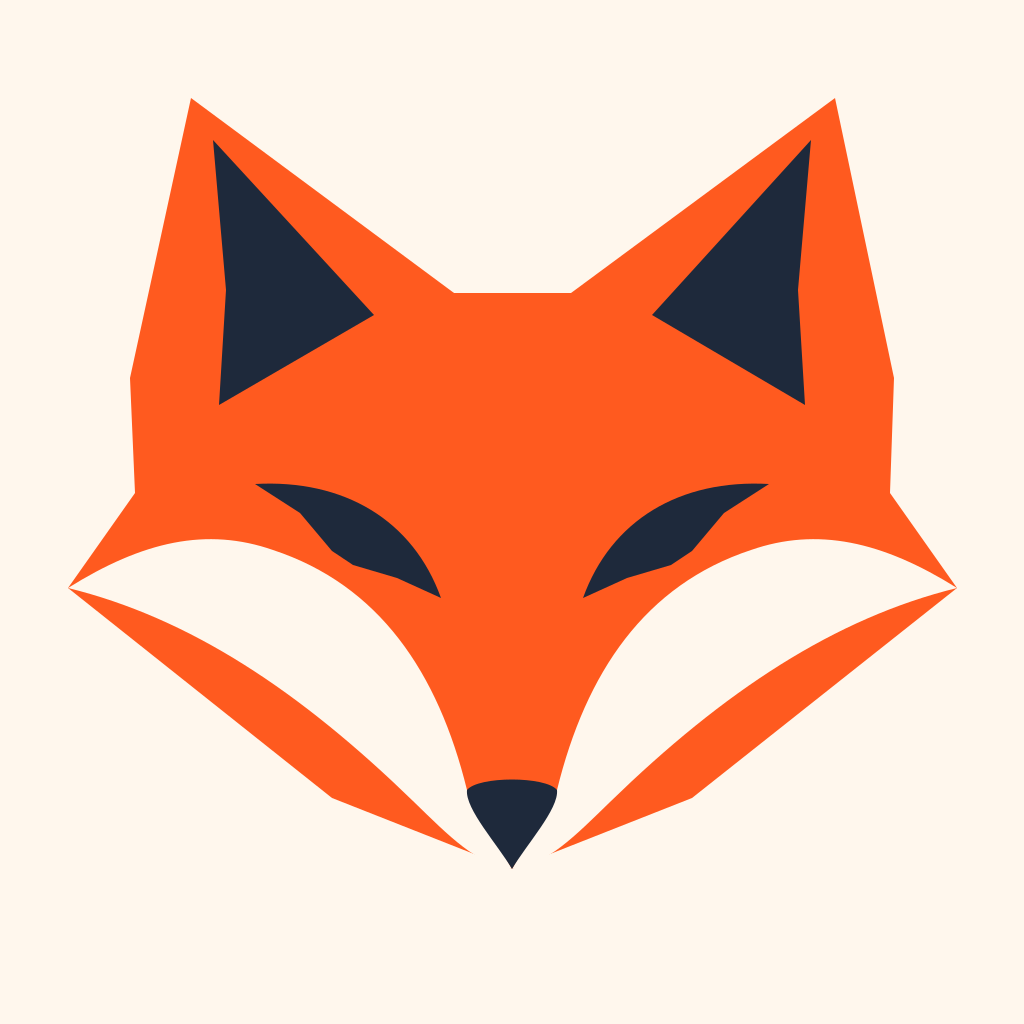
When called with output_format="svg", GPT Image 2.6 SVG emits vector primitives directly—<path>, <polygon>, <circle>, <rect>, and <line>—with explicit hex fills and clean coordinate math. In our 5-sample benchmark, a minimal origami fox logo compiled into just 9 shapes totaling 1,150 bytes, and a VOLT typographic wordmark took 6 shapes totaling 951 bytes, with zero embedded <image> bitmaps.
2. Semantic <g id> grouping saves cleanup time in Figma
Anyone who has opened an auto-traced file in Figma or Adobe Illustrator knows the pain of seeing 800 unnamed <path> layers in a flat list. Selecting just the eyes of a mascot or adjusting one letter in a wordmark requires manual lassoing and boolean surgery.
Native outputs from GPT-Image-2.6 routinely organize related geometry into named groups such as <g id="fox">, <g id="ears">, <g id="eyes">, or <path id="letter-v">. When you paste the SVG into Figma, each semantic group becomes a tidy frame or group you can toggle, recolor, or nudge in seconds.
3. Quality tiers: why medium hits the sweet spot
In side-by-side tests between low and medium quality tiers on 1K square viewBoxes, simple symmetrical shields succeeded at both tiers (668 bytes, 4 shapes). However, diagonal curves—such as a rocket body nested inside a 24×24 cloud icon—showed noticeably cleaner symmetry and smoother bezier tangents at medium quality.
GPTSVG Studio standardizes on medium quality at 1K resolution so every 1-credit generation gets balanced proportions, crisp negative space, and reliable typographic paths without runaway latency.
4. The universal text-only constraint (and how we solve Image-to-SVG)
One technical reality across every API gateway—including OpenAI direct, fal.ai, and yir.ai—is that native output_format="svg" currently accepts text prompts only. Passing a reference photo to an image-edit endpoint returns raster output (PNG, JPEG, or WebP).
Rather than hiding that constraint, GPTSVG Studio gives you two honest, specialized tools on /image-to-svg: a zero-credit in-browser k-means++ vectorizer for clean existing graphics, and a 1-credit AI Vector Redraw mode that first re-illustrates noisy photos into flat, shadow-free shapes before converting them into clean <svg> paths.
5. Security matters: why raw SVGs need allowlist sanitization
Unlike PNG or WebP images, an SVG file is an executable XML document. An unsanitized SVG opened directly in a browser context can carry <script> blocks, <foreignObject> HTML payloads, inline onload/onerror handlers, or external CSS @import beacons.
Every SVG generated in GPTSVG Studio passes through a server-side XML allowlist sanitizer before touching storage, is served with strict sandbox headers, and renders inside isolated previews in our workbench.
FAQ
Does GPT-Image-2.6 embed base64 PNGs inside the SVG?
No. Native text-to-SVG mode outputs pure vector primitives (<path>, <polygon>, <circle>, <rect>). Our server validator also rejects or strips any embedded raster <image> elements.
How big are native GPT-Image-2.6 SVG files?
Minimal logos, wordmarks, UI icons, and badges typically measure 0.6 KB to 1.5 KB (4–12 shapes), while detailed mascot stickers measure around 8–12 KB (35–50 shapes).
Ready to ship clean, editable SVG vectors?
Generate your first SVG